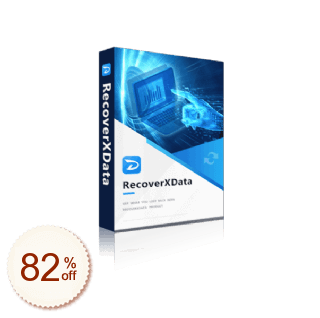
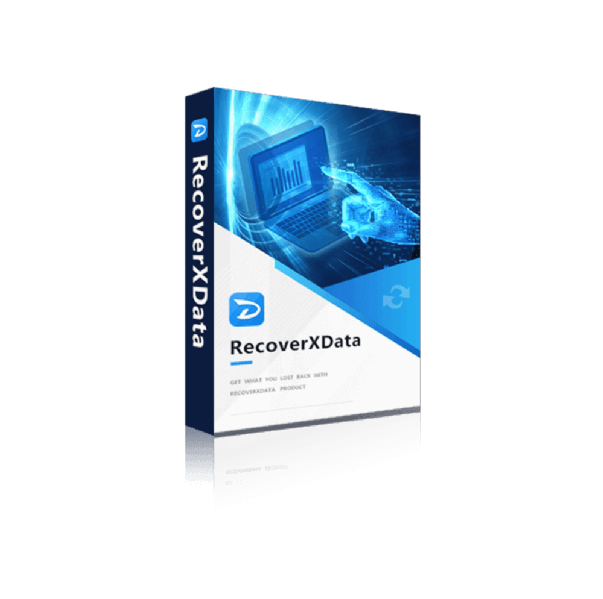
RecoverXData
Aktuell sind keine Angebote verfügbar. Teste den kostenlosen Tarif oder besuche die offizielle Website.
Aktuell sind keine Gutscheine oder
Angebote verfügbar.
Teste den kostenlosen Tarif oder prüfe die offizielle Website auf aktuelle Preise und Angebote.
Offizielle Website besuchen- 1
 EaseUS Data Recovery Wizard Professional55% Off
 - 2
 Tenorshare 4DDiG30% Off
 - 3
 DMDE Data Recovery15% Off
 - 4
 EaseUS Fixo55% Off
 - 5
 UFS Explorer Standard Recovery15% Off
 - 6
 UFS Explorer RAID Recovery15% Off
 - 7
 4DDiG File Repair30% Off
 - 8
 Wondershare Dr.Fone29% Off
 - 9
 EaseUS Data Recovery Wizard for Mac55% Off
 - 10
 DiskGenius10% Off
Restaurez des fichiers perdus ou supprimés sur divers appareils multimédia.
Des données supprimées accidentellement ? Voici la solution la meilleure et la plus efficace.RecoverXData est un logiciel professionnel de récupération de données exécutant des ordinateurs Windows. Il est conçu pour récupérer toutes les données perdues à partir du disque dur d'un ordinateur, d'une corbeille, de partitions perdues, d'un disque externe, de cartes SD, de clés USB, etc. Que les fichiers soient supprimés, vidés de la corbeille ou disparus dans une partition perdue, vous pouvez facilement les scanner et les récupérer avec RecoverXData.
Les principales caractéristiques
1. Interface graphique simple et facile pour tous
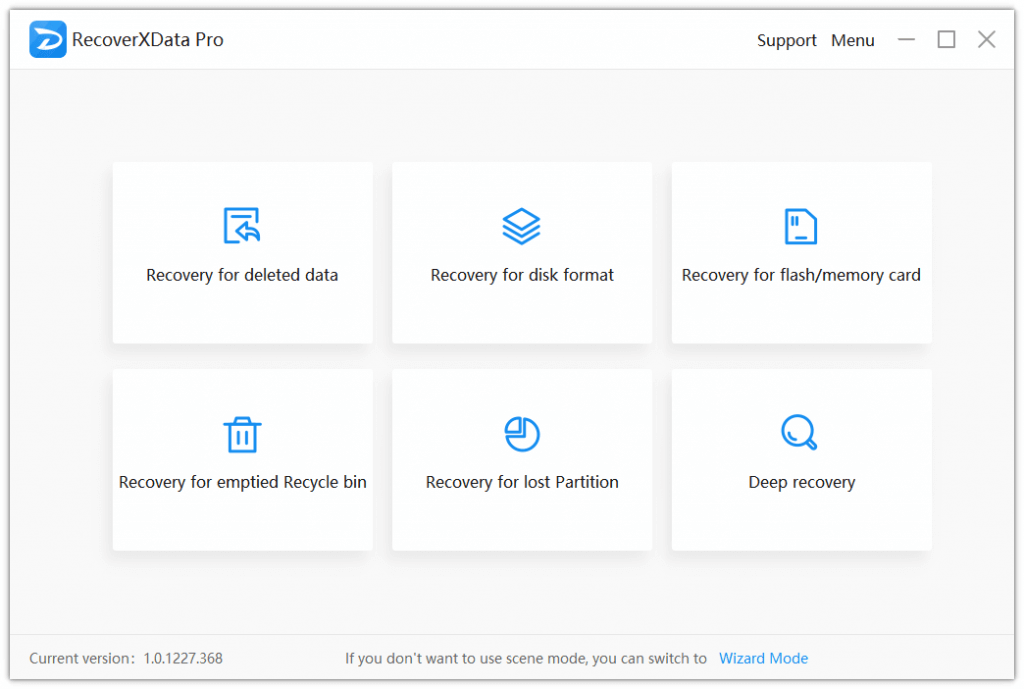
Vous n'avez pas besoin d'être un passionné d'informatique avec le mode scène par défaut ou le mode assistant intuitif. En quelques clics et en attendant, vous pouvez récupérer les données perdues. Les scènes prises en charge incluent :
- Récupération des données supprimées.
- Restauration pour le format du disque.
- Récupération pour carte flash/mémoire.
- Récupération de la corbeille vidée.
- Restauration d'une partition perdue.
- Profonde guérison.
2. Supporte la récupération de tous les types de fichiers courants sur PC et lecteurs amovibles.
Il permet de récupérer presque tous les types de fichiers de toutes marques et supports de stockage connectés à un PC (sauf les CD/DVD/VCD). Par exemple, des types de fichiers tels que PDF, DOC, DOCX, PPTX, PPT, LOG, JPG, PNG, MP4, MP3, MOV, etc., et des marques de supports de stockage telles que Sandisk, Seagate, Western Digital, Toshiba, Hitachi, etc.
3. Cibler facilement les données perdues.
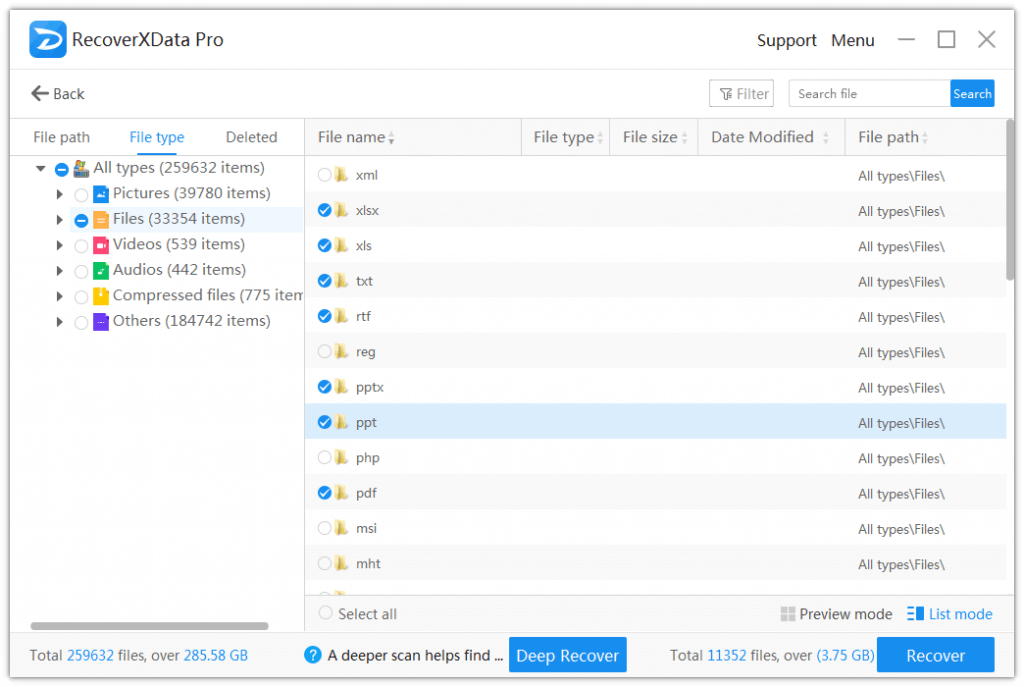
Une fois numérisées, vous pourrez facilement cibler les données perdues en filtrant le chemin du fichier, le type de fichier, les fichiers supprimés, et vous pouvez également effectuer une recherche par nom de fichier. Et pour les photos et les fichiers de documents, vous pouvez prévisualiser ceux dont la taille est inférieure à 30 Mo.
4. 100% sécurisé et aucun dommage ni modification des données d'origine
RecoverXData lit uniquement les lecteurs et les données et n'écrit pas sur le lecteur d'origine, conservant ainsi les données en mode sécurisé.
5. Rapide et fiable
En choisissant une scène et un lieu, vous pouvez choisir de lancer une analyse rapide ou une analyse approfondie. L'analyse rapide peut aider à analyser le disque plus rapidement pour détecter les données perdues, tandis que l'analyse approfondie analysera les données en détail pour en trouver d'autres. Les deux sont confiants et efficaces.
Avis des utilisateurs
5.0
3 Votes
Commentaires (2)
Questions et réponses de clients
- ❓ RecoverXData proposait-il des réductions pendant le Black Friday/Cyber Monday ?
- Il n’y avait pas de réductions supplémentaires pour RecoverXData pendant le Black Friday/Cyber Monday 2025.
🕵️♀️ ColorMango surveille régulièrement les offres de RecoverXData pendant le Black Friday/Cyber Monday et met à jour les dernières réductions dès qu’elles sont disponibles.
