Supprimer les photos en double Duplicate Image Finder , for it can help to quickly find out the similar / duplicated images, and support the batch process of deletion. It’s very helpful and convenient.
1
Duplicate Image Finder's important and necessary features Image Search : Set a sample image,then search for its similar and duplicated images.Set Similarity Threshold : With a content-based image search technology, allows you to specify a percent of image similarity that will be used in order to identify the images as similar or consider images to be duplicates.2
List all the popular Duplicate Image Finder Re-rank the products by brands reputation, product downloads, and product sales. List the available discount coupons/deals for you, so that you can enjoy discount directly instead of the time-consuming searching for a coupon. Voir plus
1 outils dans cette catégorie Total: 1
 1/5PictureEcho screenshot 2PictureEcho screenshot 3PictureEcho screenshot 4PictureEcho video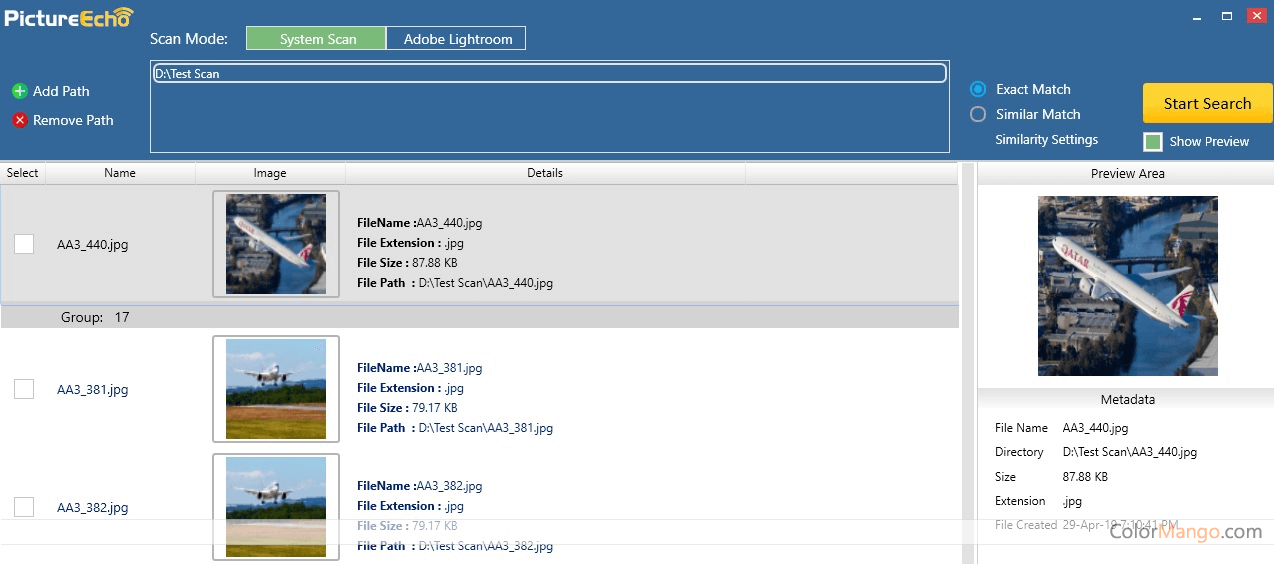

.jpg)
.jpg)
.jpg)