- Photographie & Design
- Photo digitale
- Logiciels de Retouche Photo Basiques
Logiciels de Retouche Photo Basiques
EDITION AVANCÉE
OUTILS EMBELLISSEUR
28 outils dans cette catégorie
Total: 28
TOP 1
 1/2InPixio Photo Studio video
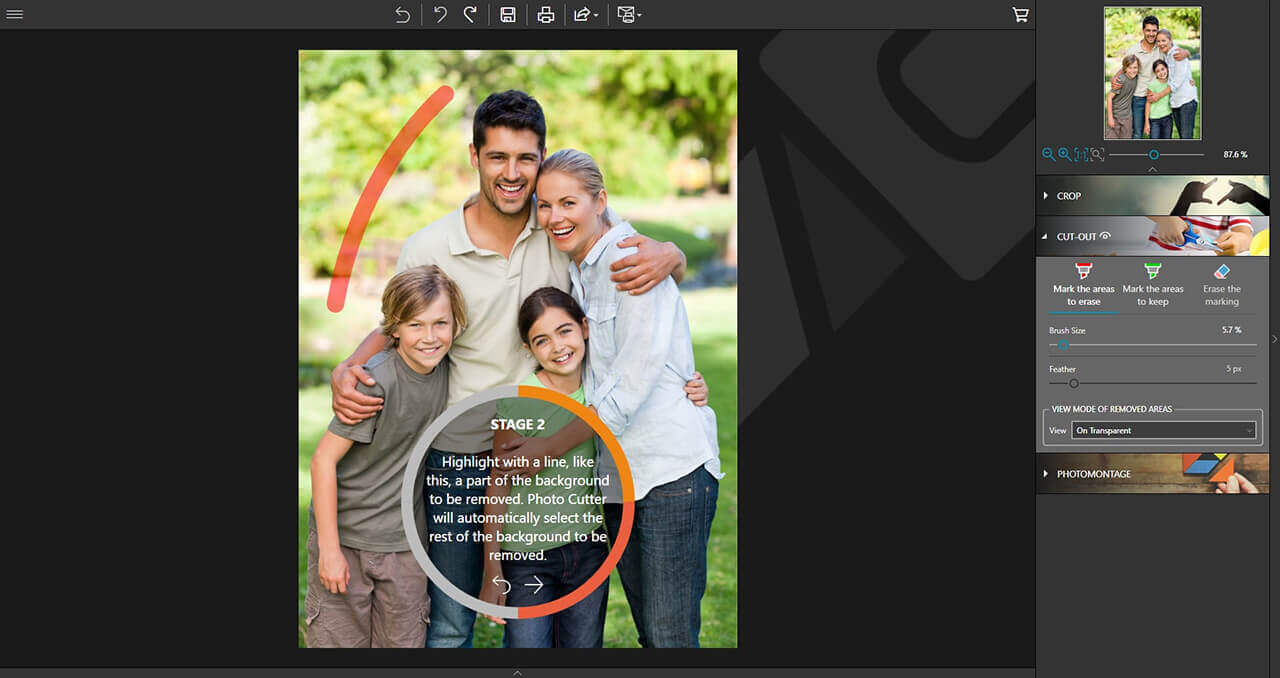
- Un outil de suppression d'objets indésirables facile à utiliser. Supprimez les objets indésirables des photos en quelques étapes. Photo Studio Pro fournit une fonctionnalité complète de retouche photo.
84% Off
TOP 2
 1/1
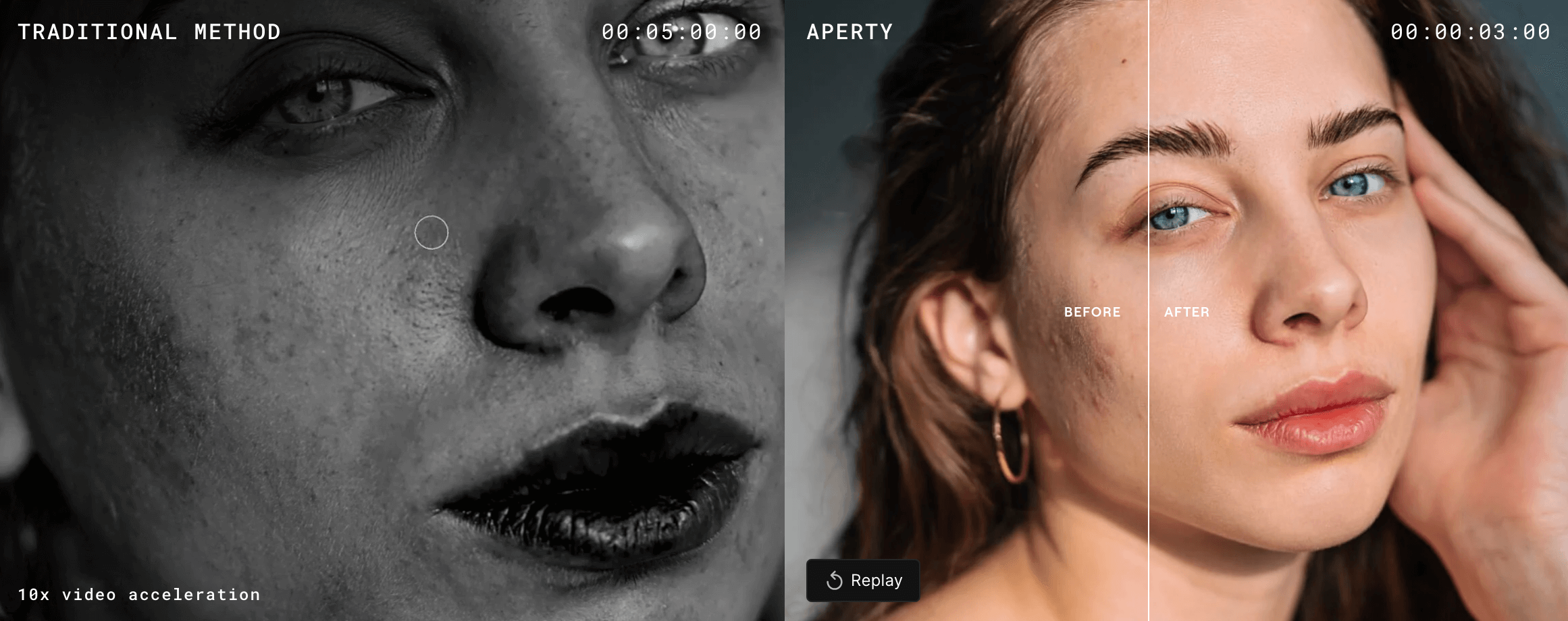
1/1- Retouchez des portraits par lots tout en préservant des retouches de peau naturelles et cohérentes.
30% Off
TOP 3
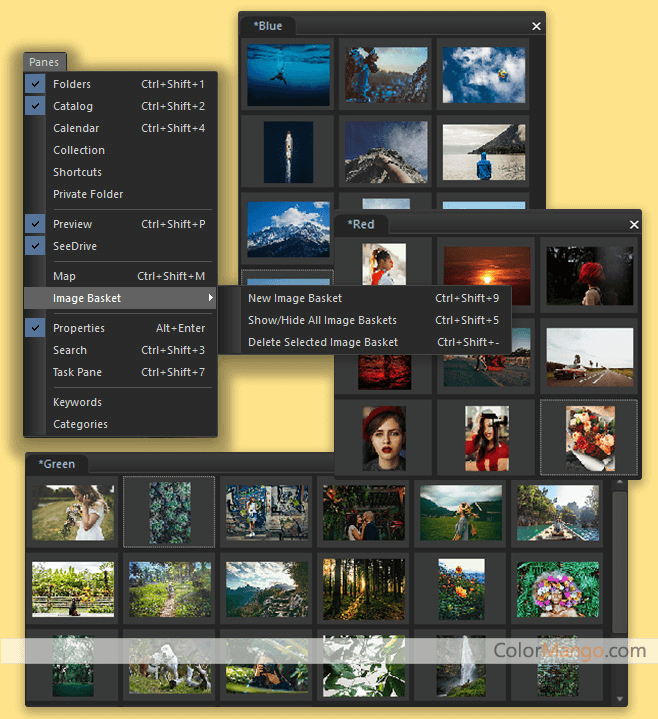
 1/3ACDSee Photo Studio screenshot 2ACDSee Photo Studio video
- Un puissant outil de visualisation graphique et un logiciel de retouche d'images prennent en charge plus de 100 formats de fichiers graphiques, permettent le traitement par lots de fichiers et ajoutent facilement des balises méta aux images.
TOP 4
- InPixio Photo Focus, maximiseur de photos, gomme à effacer, découpeur de photos, éditeur de photos.
Découvrir plus d’outils
 1/1
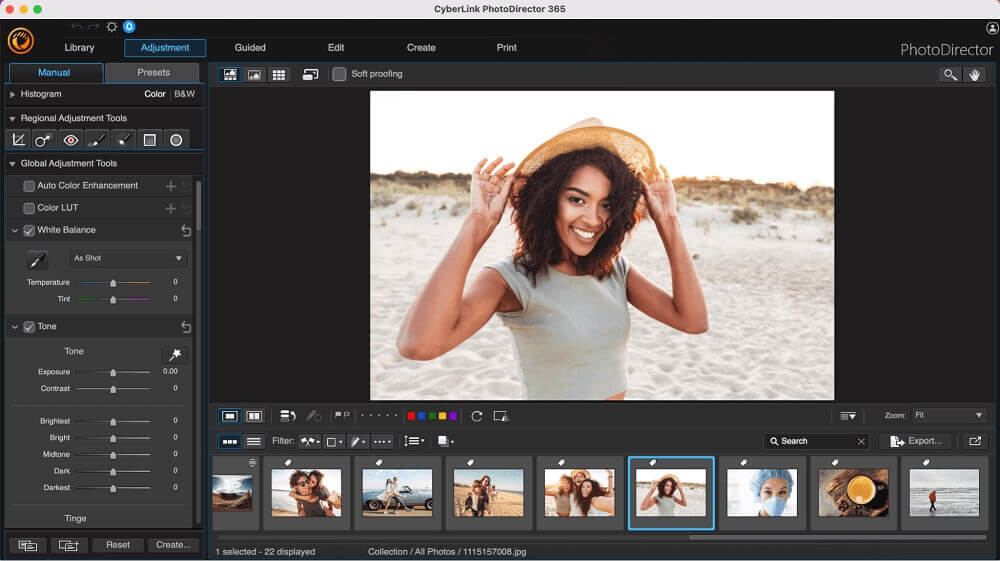
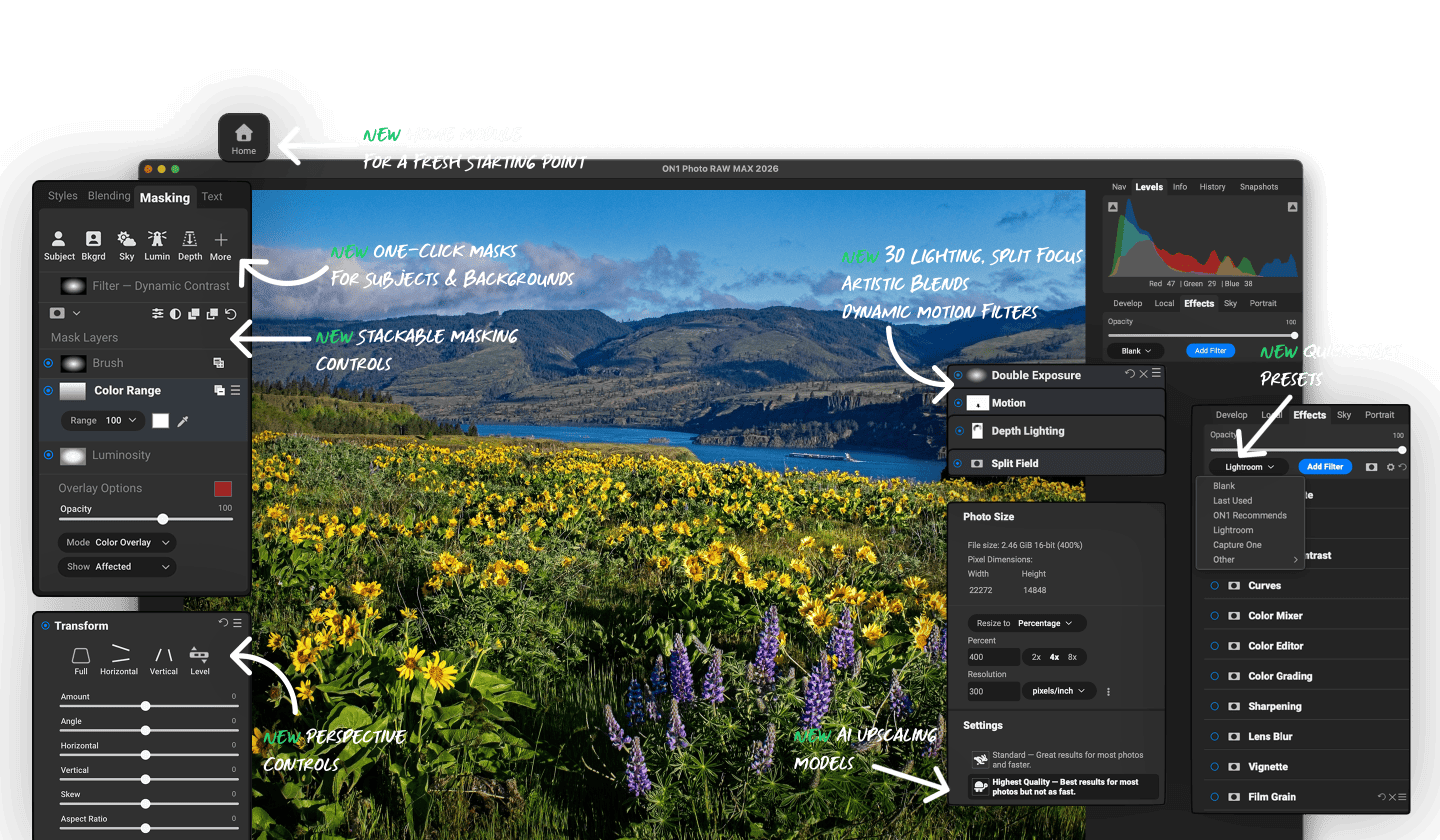
1/1- 220+Un éditeur de photos professionnel qui non seulement optimise et rend les photos plus claires et plus belles, mais qui peut également donner à la photo un aspect de maître grâce à sa fonction IA unique.
33% Off
 1/3HitPaw Photo Object Remover screenshot 2HitPaw Photo Object Remover screenshot 3
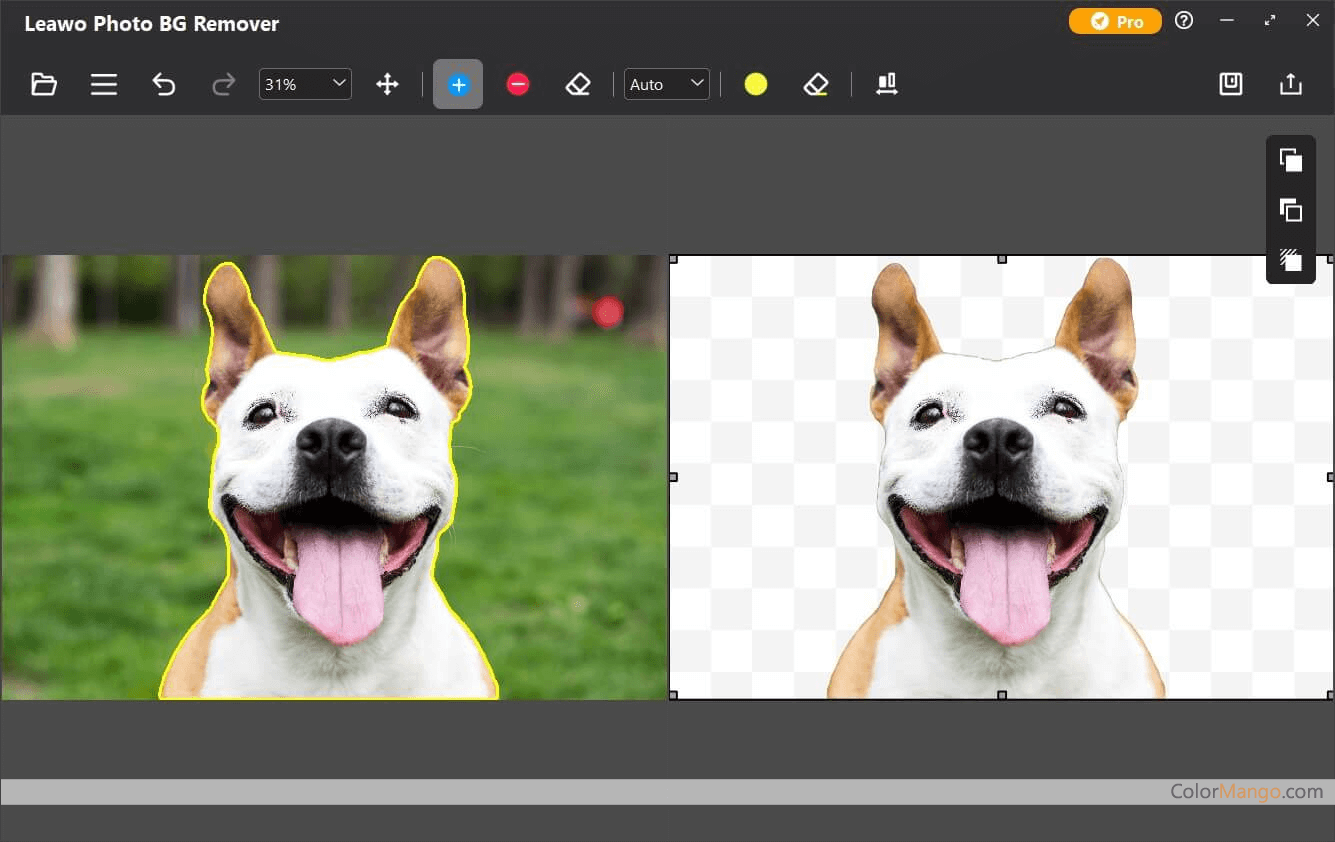
- 170+Supprimez facilement les objets indésirables de la photo avec AI-Power.
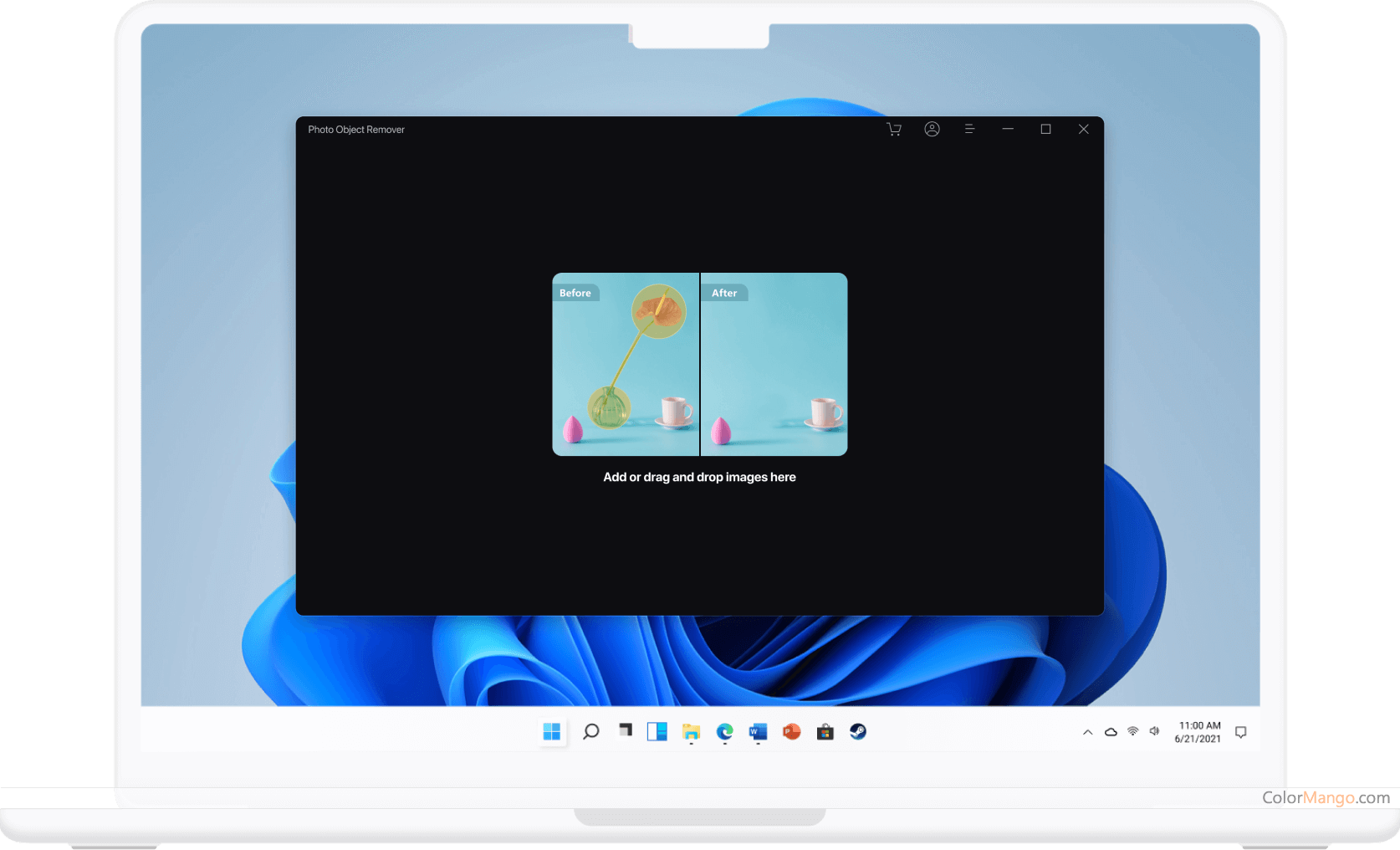
70% Off
- 130+
 1/1
1/1- 100+Un éditeur de photos IA qui aide les utilisateurs à créer des images de qualité professionnelle sans effort

50% Off
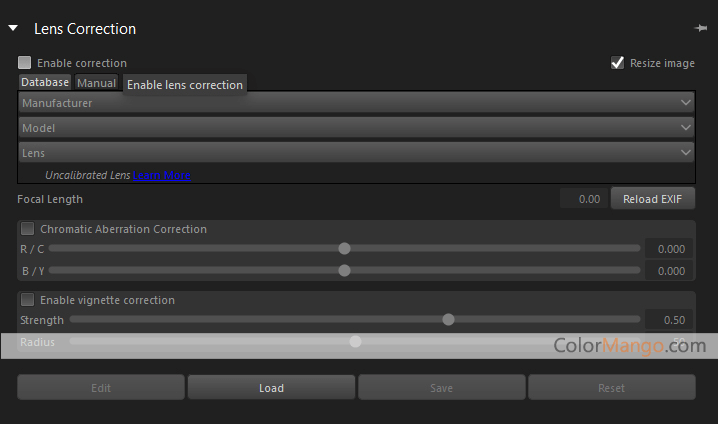
 1/2Corel AfterShot Pro screenshot 2
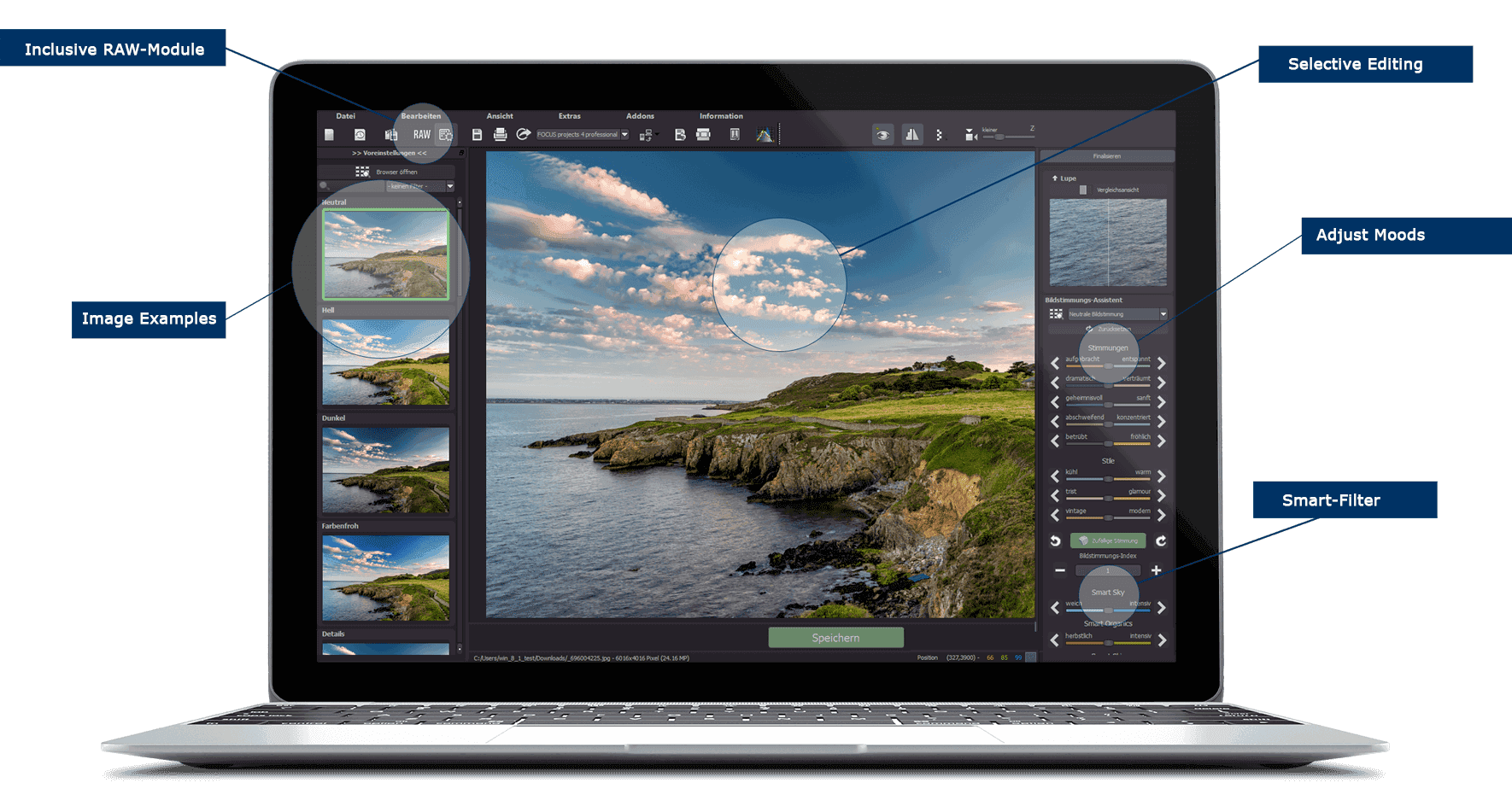
- 60+Un logiciel de traitement d'image professionnel qui prend en charge la conversion au format RAW, la retouche d'image, le réglage de l'image et la gestion des images. Sa vitesse est plus de 4 fois supérieure à celle d'Adobe Lightroom.
32% Off
 1/1
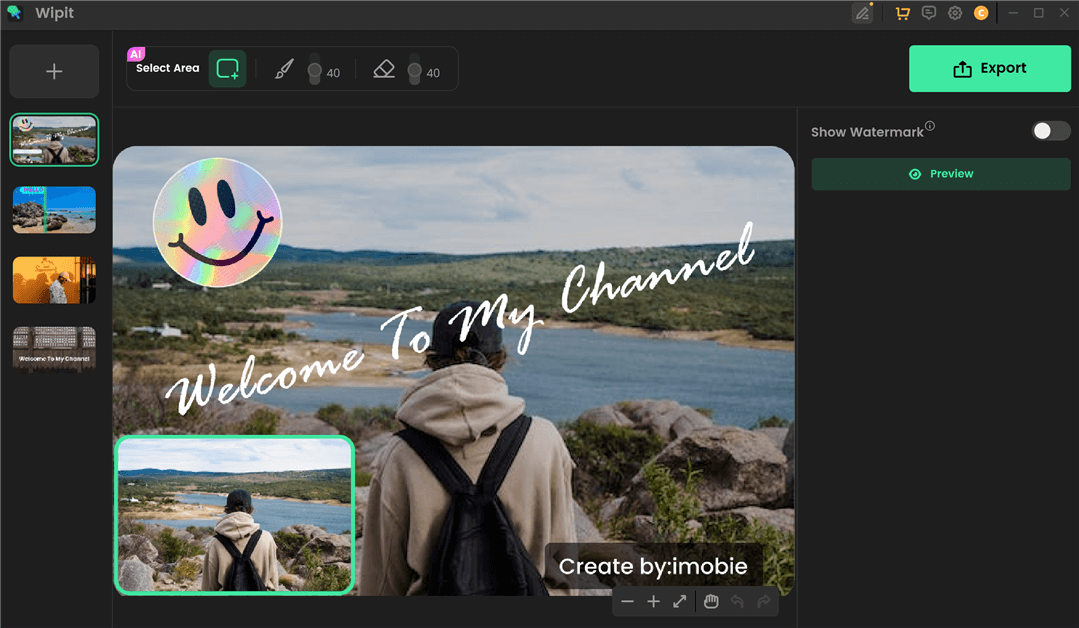
1/1- 50+Supprimez facilement les éléments indésirables des photos et des vidéos.
30% Off
25% Off
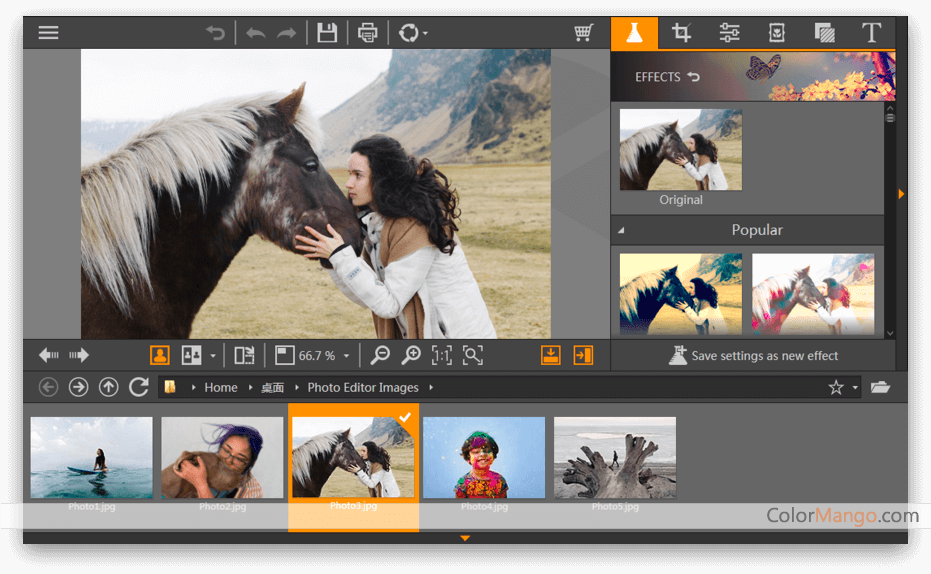
 1/4Fotophire Editing Toolkit screenshot 2Fotophire Editing Toolkit screenshot 3Fotophire Editing Toolkit video
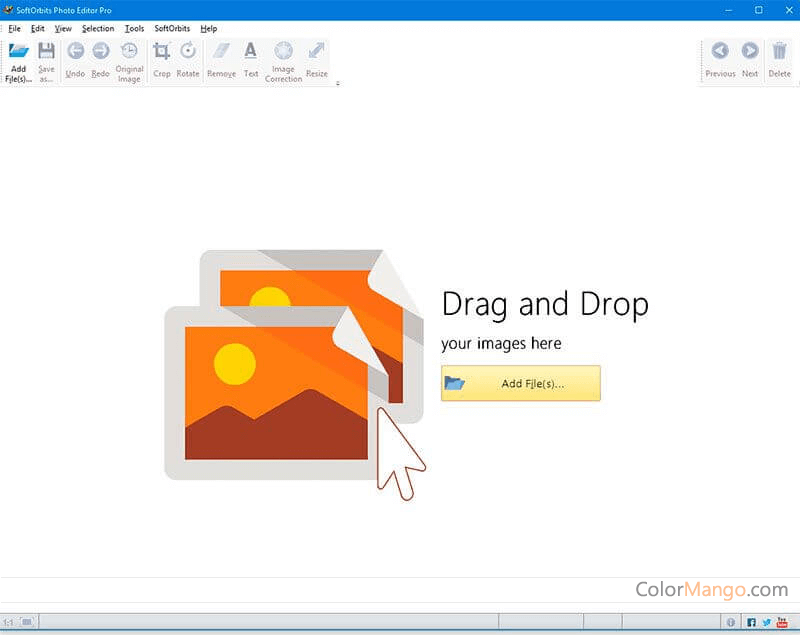
- 10+Bon logiciel de retouche photo pour un usage domestique, prend en charge l'édition d'images, le découpage d'images, la fonction de suppression d'images, le zoom non destructif et la mise au point de l'image, etc.
75% Off
 1/1
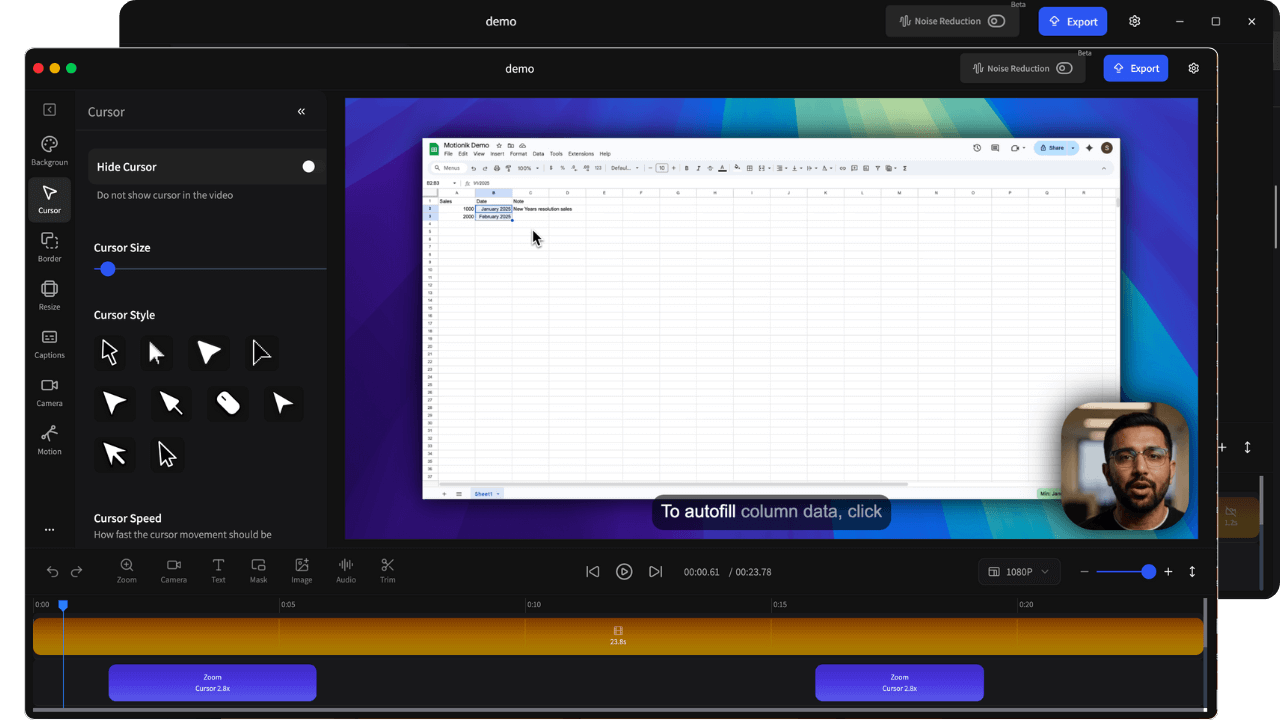
1/1- 7Une application d'enregistrement d'écran magnifiquement conçue qui vous permet d'enregistrer, de zoomer, de modifier et d'exporter de superbes vidéos en quelques minutes
30% Off
 1/1
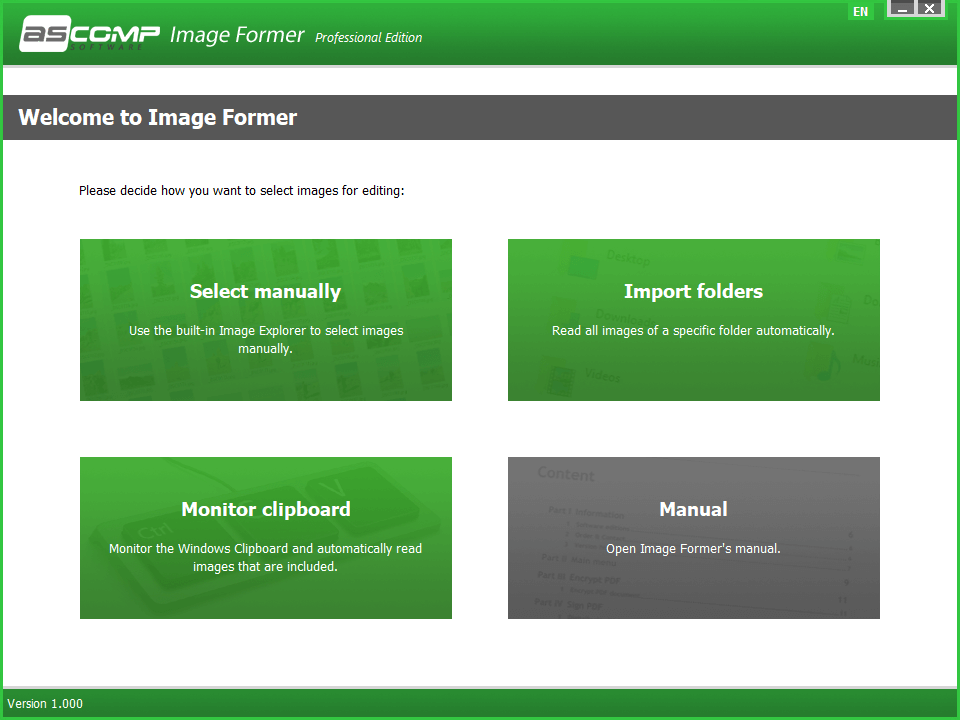
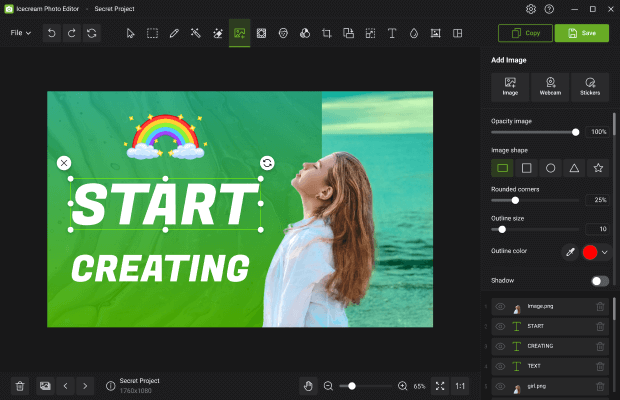
1/1- 4Éditeur de photos et gestionnaire pour l'édition d'images et la création de collages.
10% Off
 1/1
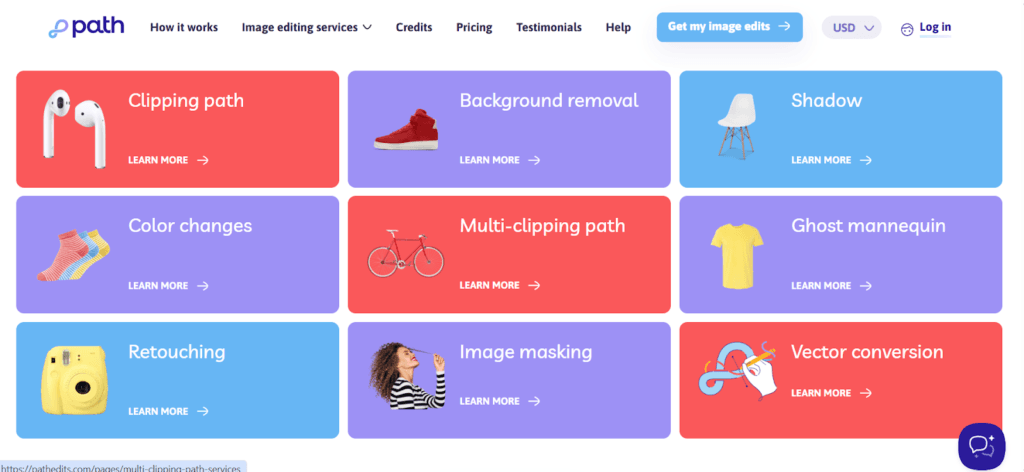
1/1- 3Path Edits fonctionne comme un studio virtuel qui fournit des services professionnels de retouche photo dessinés à la main
20% Off

 1/1
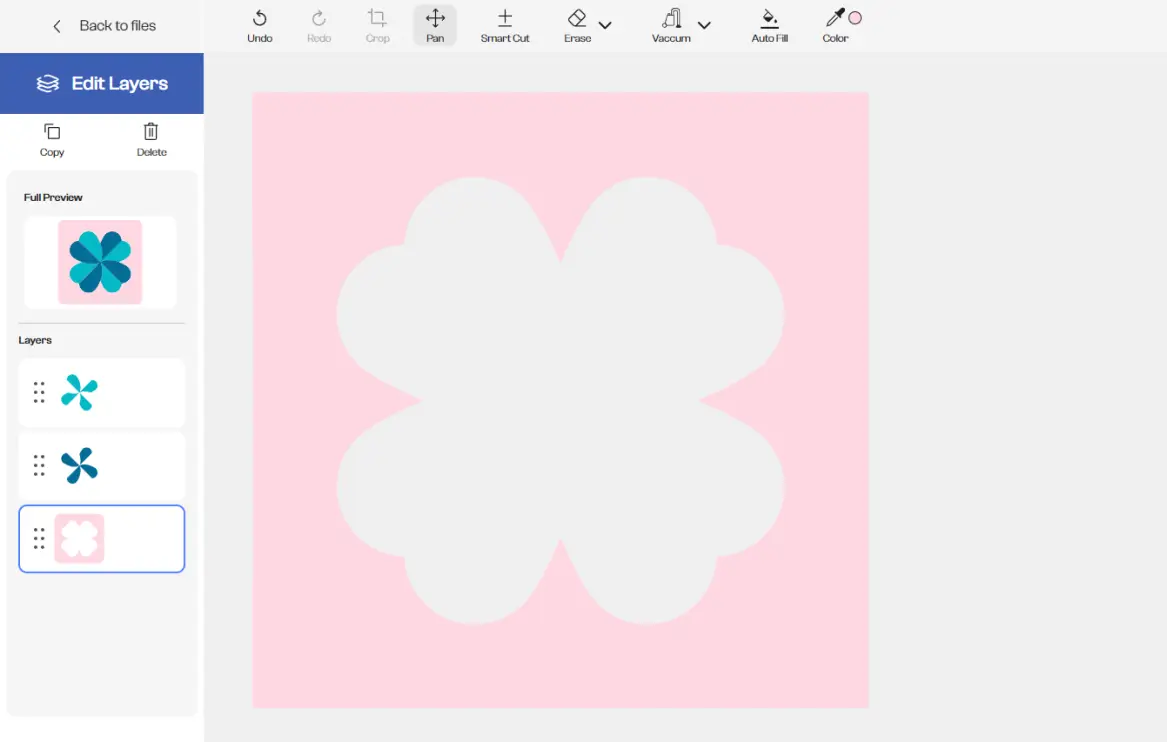
1/1- SvgTrace aide les utilisateurs à convertir des images standard telles que des fichiers JPEG, PNG et WEBP en graphiques vectoriels propres et évolutifs ainsi qu'en fichiers SVG multicouches, parfaits pour divers projets de création et de design.
56% Off

Total: 28

.jpg)
.png)
.png)
.jpg)
.jpg)
.jpg)
.png)
.png)
.jpg)
.jpg)
.jpg)
.jpg)
.jpg)
.jpg)
.jpg)
.png)
.jpg)
.jpg)
.webp)